
Image & Description Templates
eBay description templates and image templates for every listing you create
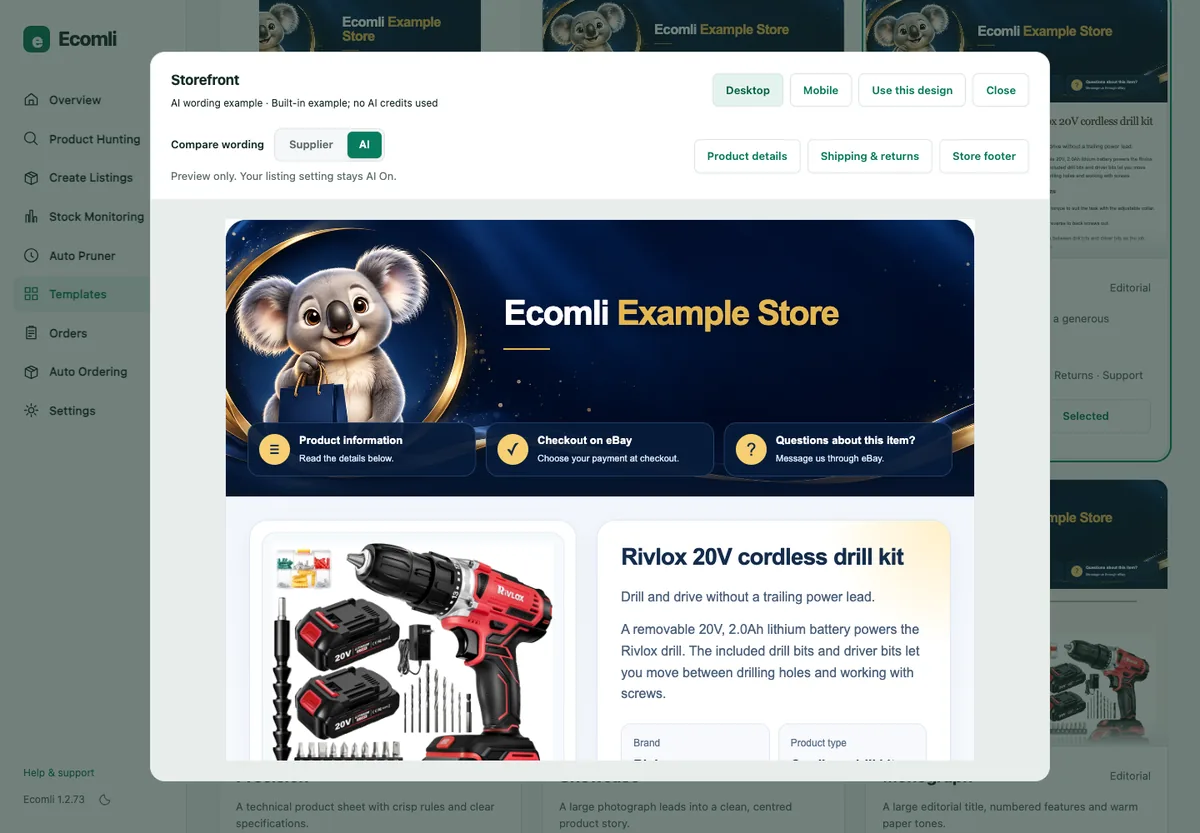
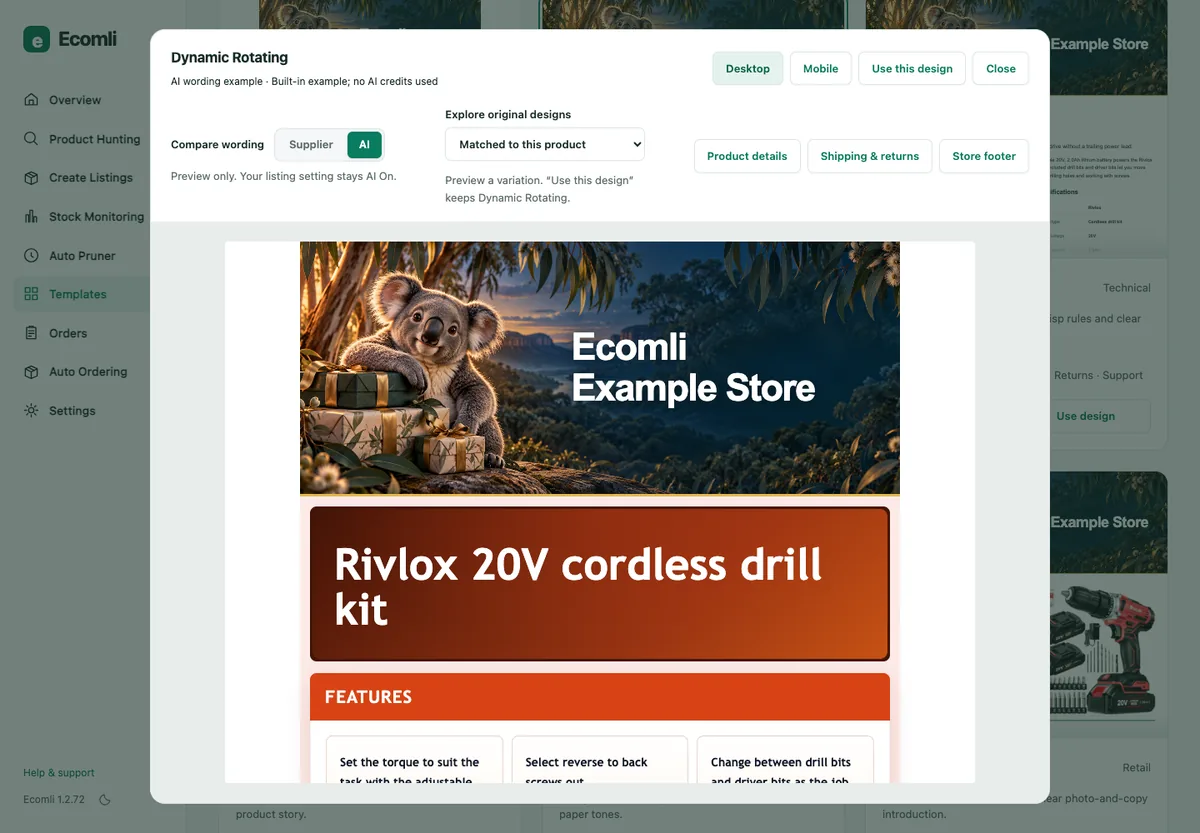
Ecomli's Description Studio gives you 30+ branded, mobile-friendly eBay description templates, including Dynamic Rotating, which picks a design by category. Edit the colors and store branding and check the desktop and mobile preview before you save.
On Pro and Scale, image templates give the first gallery photo a consistent layout. They arrange your product photo; they do not generate new photos with AI.
01 What it does
What Image & Description Templates does
-
30+ description designs
Branded, mobile-friendly HTML descriptions on every plan.
-
Dynamic Rotating
Lets Ecomli pick a design by product category.
-
Your branding
Edit colors and store branding, with desktop and mobile previews.
-
Custom store banner
Choose a banner style, set your store name, colors and tagline, and Ecomli generates a header emblem for your descriptions.
-
Image templates
Pro and Scale: consistent, eBay-compliant layouts for the first gallery photo.
-
Download-only extras
Decorative badge and text presets are download-only, because eBay does not allow added text or borders on listing photos.
02 How it works
How Image & Description Templates works
-
STEP 01
Open Templates in the extension and choose a description design, or Dynamic Rotating.
-
STEP 02
Set your colors and store branding and check the desktop and mobile preview.
-
STEP 03
On Pro or Scale, choose an image template for the first gallery photo.
-
STEP 04
Create Listings applies them to each new listing Ecomli creates or relists.
03 Good to know
What Image & Description Templates doesn't do
The limits, stated plainly, so you know what to expect before you choose a plan.
- Templates apply to listings Ecomli creates or relists. Ecomli does not restyle your other existing eBay listings or host images for them.
- Image templates arrange your product photo; they are layout compositing, not AI-generated photos.
FAQ Questions
Image & Description Templates questions
01Are description templates included on every plan?
Yes. Description templates, including Dynamic Rotating, are included on Starter, Pro and Scale. Image templates are included on Pro and Scale.
02Will Ecomli restyle my existing eBay listings?
No. Templates apply to listings Ecomli creates or relists. Ecomli does not restyle other existing listings or host images for them.
03Do image templates create AI product photos?
No. Image templates arrange your supplier's product photo in a consistent layout. They do not generate new photos.
Choose the plan that fits your store
Every plan includes unlimited active listings. Compare what Starter, Pro and Scale include, then pick the one that fits how you work.
Monthly billing in USD · 7-day money-back guarantee on your first payment · cancel any time